- Applications
- Personalization
Photo Widget Easy
| Install | 210 |
| From 4 Rates | 5 |
| Category | Personalization |
| Size | 9 MB |
| Last Update | 2025 November 9 |

| Install | 210 |
| From 4 Rates | 5 |
| Category | Personalization |
| Size | 9 MB |
| Last Update | 2025 November 9 |
Images
Introduction
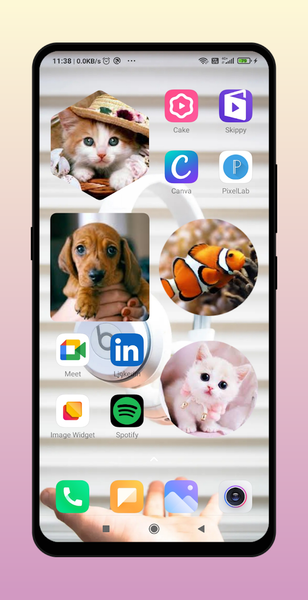
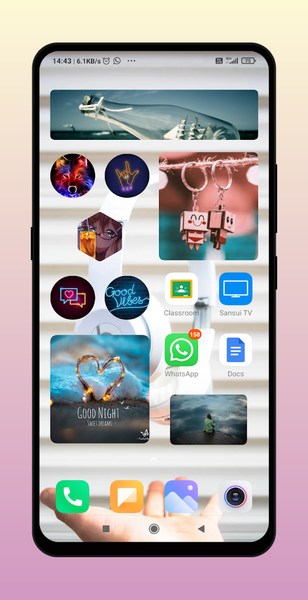
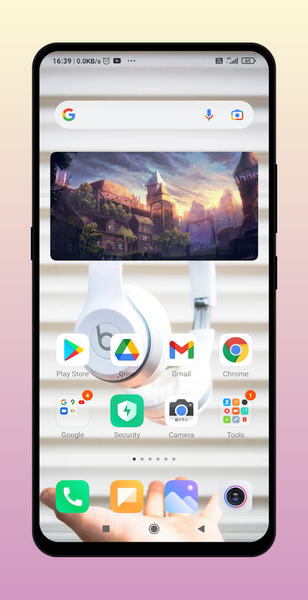
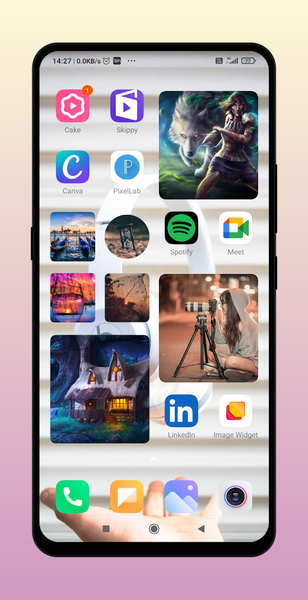
Photo Widget displays your favourite photo on your home screen like iOS 17 style. our app is free to use and easiest way to decorate your home screen.
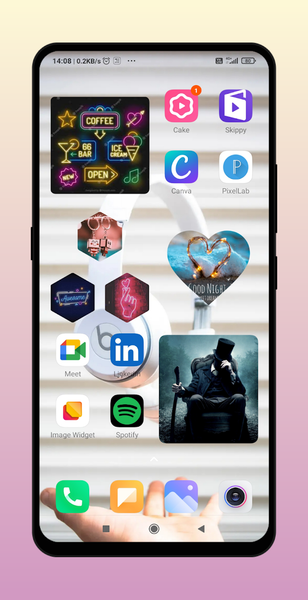
you can place images in many shapes.
This is like nice and simple photo widget aesthetic icon. it sets pictures for your home screen more aesthetic. this is like magic widget free android app.
You can use center crop to crop image from center. you can put unlimited number of widgets.
photo widget works on all android devices like oppo vivo xiaomi samsung. you can put with rounded edges or rounded corners. you can also add images in grid.
Photo Slideshow : you can pick multiple image from gallery and make a slideshow of images.
PNG images : you can pick random png image and set on homescreen.
Layouts :
1. Rectangle
2. Heart Shape
3. Circle
4. Hexagon
5. Star
6. Cloud
7. Sun
8. Fancy Shape
Tip:
1.Use inbuilt Custom Crop to crop image.
2.You can use transparent image to make your home screen more beautiful.
3 You can change corner radius.
How to add Widget?
Pinch or Long Press Home --> Widget --> Photo Widget For Home Screen -> Drag it to Home.
Related Applications









Users Also Installed





Similar Applications