- Applications
- شخصیسازی
Origin Clock Wallpaper and Widget
Images
Introduction
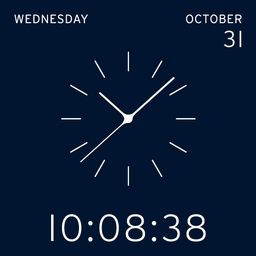
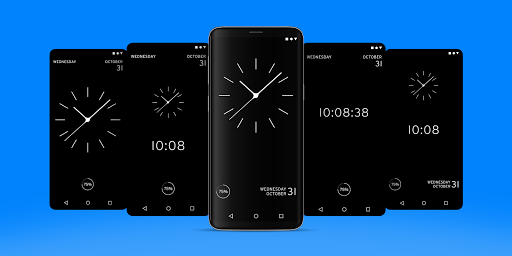
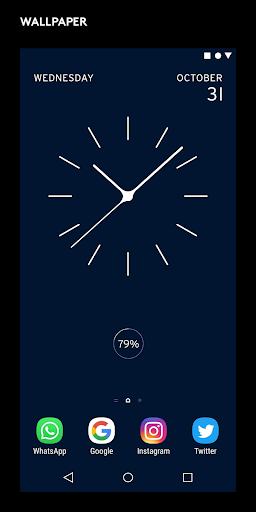
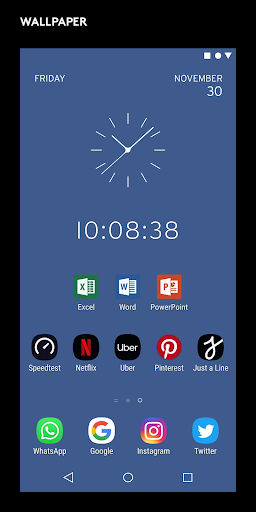
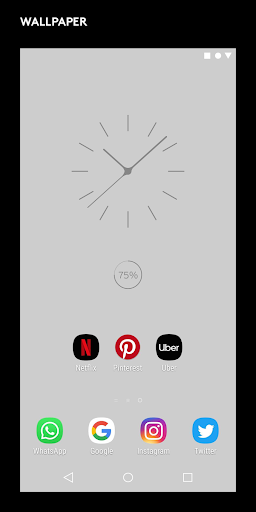
Origin Clock offers a wallpaper and a widget clock. Fully customizable. Swiss designed. Swiss made.
Want it all ?
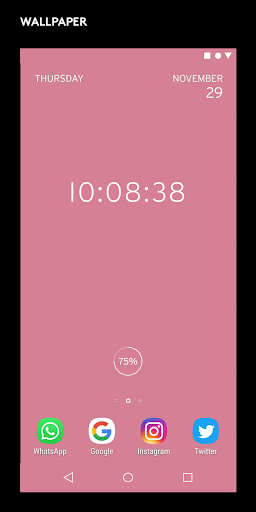
Choose the complete resizable wallpaper with all the most necessary info at a glance, in a simple and elegant way.
Want to keep it simple ?
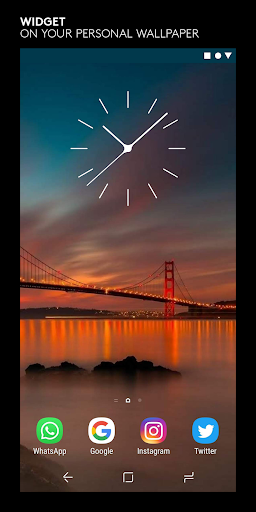
Choose the widget clock and apply it directly on your very own wallpaper.
The premium version offers :
Wallpaper :
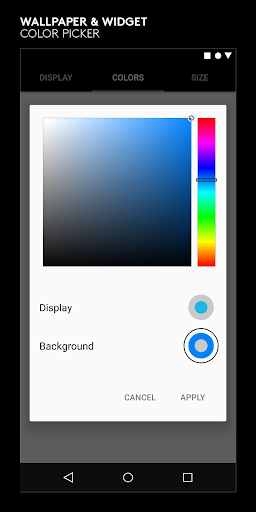
• Color picker to choose your favourite color
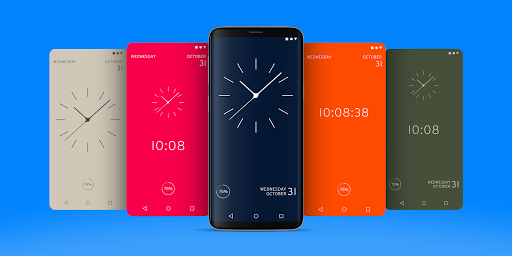
• 25 selected color combinations.
• Display and layout options.
Widget :
• 25 selectes color combinations.
• Color picker to choose your perfect color.
Swiss made app, created by experienced designers.
Check http://www.white-group.com/
✭ Wallpaper ✭
Free features and settings
• Digital clock.
• Analog clock.
• Swiss graphic design.
• Battery.
• Day of the week.
• Date.
• Interactive settings menu.
Battery, day of the week and date are all optional features.
Premium features and settings
• 30 colorways.
• Color picker.
Specifications
• Optimized for low battery consumption
• No ads.
✭ Widget ✭
Free features and settings
• Monochrome fully resizable widget.
Premium features and settings
• 25 selected colors.
• Color picker.
Specifications
• Optimized for low battery consumption.
• No ads.
Installation
Wallpaper
1. Open the playstore app via your device.
2. Download and install the app.
4. Select « Wallpaper » on the menu.
5. Tap on the clock to apply wallpaper to your device.
6. Go show your friends !
Widget
1. Open the playstore app via your device.
2. Download and install the app.
3. On home screen, long press in the middle
4. Choose « Widgets »
5. Swipe through your available widgets and find « Swissclock »
6. Tap on the clock to apply widget to your home screen
7. Resize and place
8. Your phone looks fire !
Should you experience any problem please contact us instead of smashing us.
We will get in touch with you asap.

برنامههای مرتبط






دیگران نصب کردهاند






برنامههای مشابه