- Applications
- Tools
ScreenZen・Screen Time Control


Images

Introduction
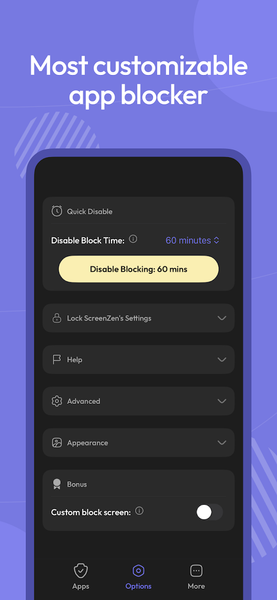
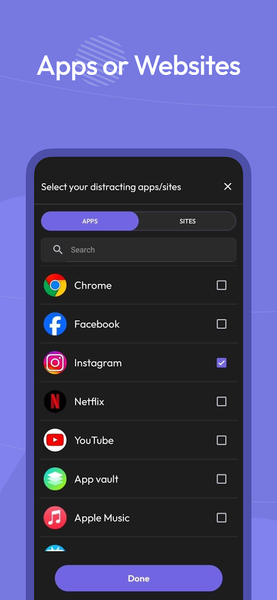
Multiple strategies to control your screen time, block apps and websites, and stay focused. Regain your freedom.
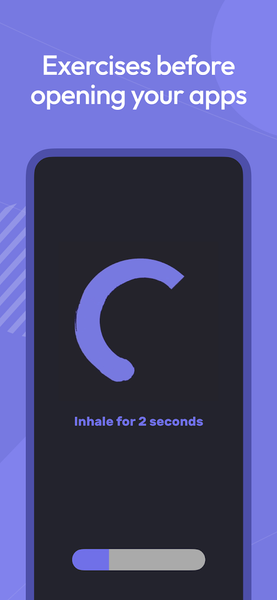
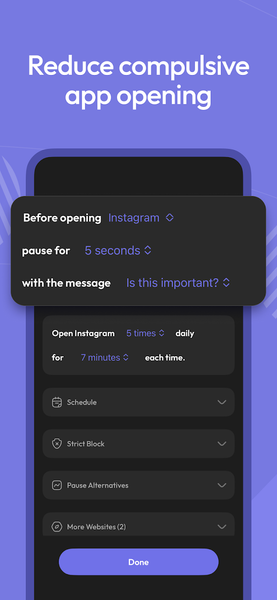
Pause before opening apps or websites:
Take a moment before launching a distracting app. The wait time can increase with each use, helping you build intention — a technique also seen in apps like Opal.
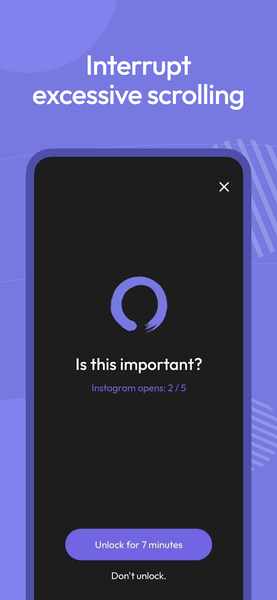
Interrupt your scrolling:
Limit your time on distracting apps to short bursts so you don’t get pulled in. If you’ve tried tools like Opal, this approach will feel familiar.
Set usage goals:
Define daily limits per app — and optionally block access when you hit your target.
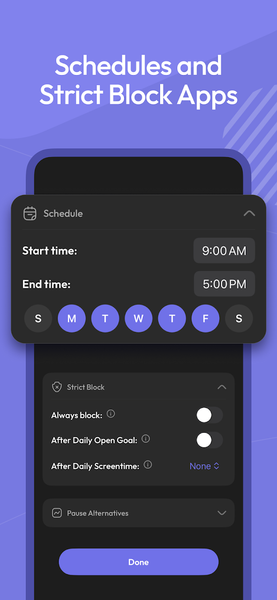
Customize by day and time:
Flexible settings for different days of the week and hours of the day, tailored per app.
Mindful prompts before opening apps:
Messages like “Is this important?” encourage reflection — a small but powerful habit, also appreciated by users of focus-first apps like Opal.
See only the screen time that matters:
Track your time on distracting apps only. Productive tools like Google Maps won’t distort your stats.
ScreenZen uses Accessibility permissions to block websites.


Related Applications










Users Also Installed