- Applications
- Tools
TV Remote: RoSpikes(WiFi/IR)

| Install | 130 |
| From 1 Rates | 1 |
| Category | Tools |
| Size | 7 MB |
| Last Update | 2025 October 25 |

| Install | 130 |
| From 1 Rates | 1 |
| Category | Tools |
| Size | 7 MB |
| Last Update | 2025 October 25 |
Images




Introduction
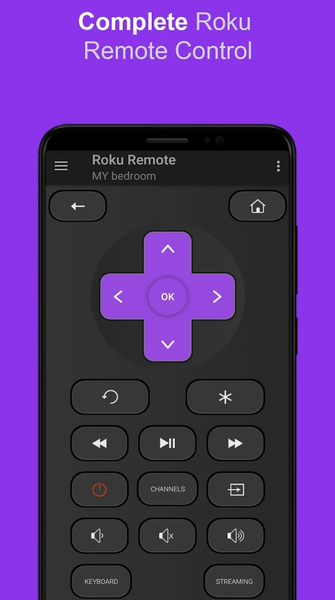
<font color="#672D93">RoSpikes</font> is a free and simple app to control popular Streaming Dongles and Smart TVs such as Haier / Hisense / Philips / Sharp / TCL / Element / Insignia / Hitachi, RCA TVs.
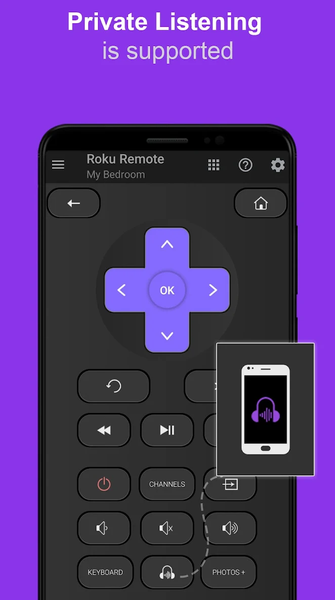
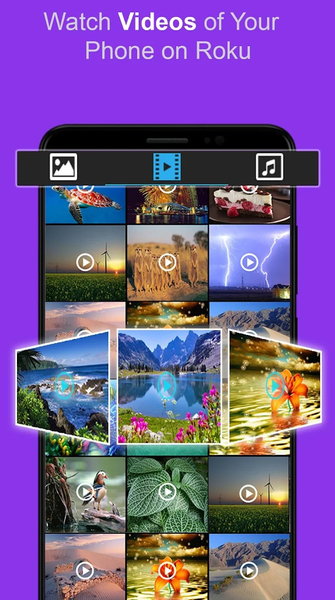
Stream your Photos, Music and Video on big TV screen. Private Listening and Screen Mirroring is Supported. It Supports Wi-Fi and IR modes. Enjoy easy and neat UI with top features.
<font color="#672D93">Feature List</font>
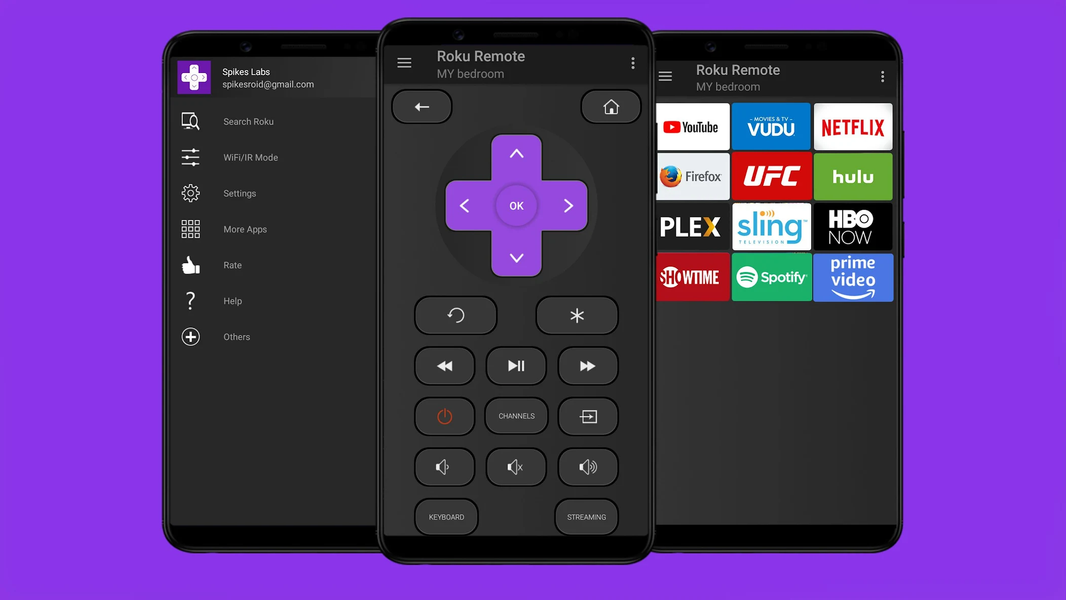
<font color="#672D93">✓</font> All TV Remote buttons are supported
<font color="#672D93">✓</font> Private Listening is Supported
<font color="#672D93">✓</font> No Manual Setups. Automatic Scan of TV Devices
<font color="#672D93">✓</font> Device Name can be Edited
<font color="#672D93">✓</font> Screen Mirroring is Supported
<font color="#672D93">✓</font> Watch Photos/Music/Video of your phone on your big TV Screen
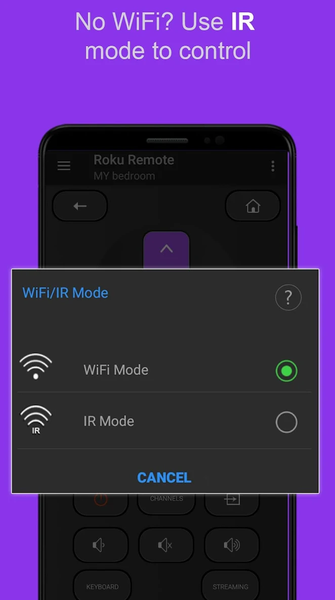
<font color="#672D93">✓</font> Don't have Wi-Fi? No worry use IR Mode to Control TV without Wi-Fi
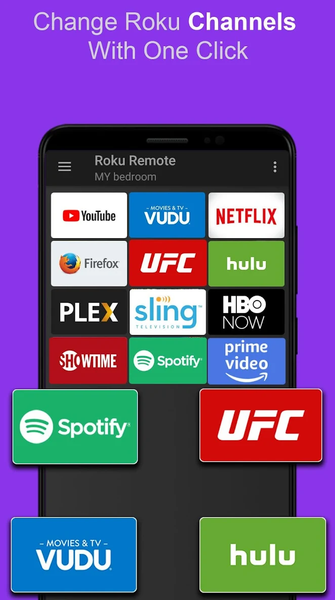
<font color="#672D93">✓</font> Access TV Channels directly from RoSpikes app like YouTube, Netflix, Prime, Hulu etc.
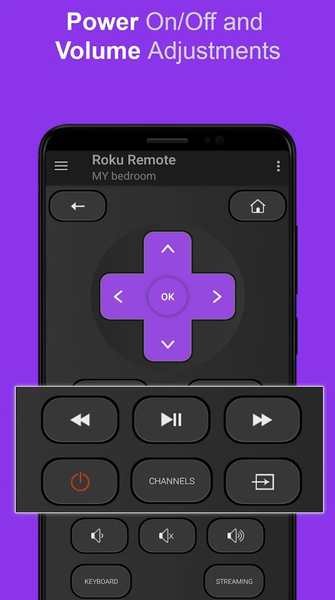
<font color="#672D93">✓</font> Power ON/OFF and Volume Adjustments
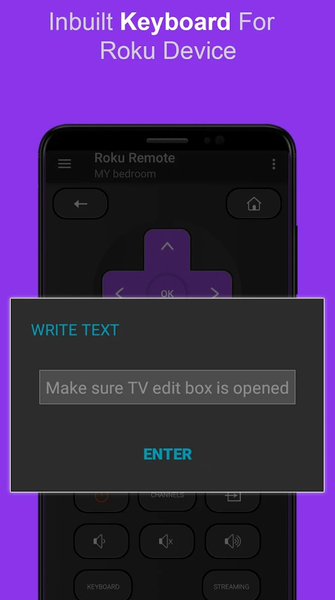
<font color="#672D93">✓</font> Write Text from Phone to TV directly with inbuilt fast keyboard.
<font color="#672D93">✓</font> Toggle Input HDMI Sources
<font color="#672D93">✓</font> Shake Phone to Play/Pause
<font color="#672D93">✓</font> Realistic Clean UI with Long press support on navigational buttons
<font color="#672D93">✓</font> Photos Slideshow is supported
<font color="#672D93">Supported TV Devices</font>
- Streaming Stick Express , Express+, Premiere, Premiere+, Ultra Models
- Smart TVs Like Philips, TCL, Hisense, Sharp, Haier, Element, Insignia, Hitachi, RCA TV
<font color="#672D93">Requirements</font>
Wi-Fi Mode: Your TV and Android phone must be connected to the same Wi-Fi network
IR Mode: Your Android Phone must have Inbuilt Infrared IR blaster
* You can choose Modes from RoSpikes app navigational drawer
* Few Apps Like YouTube does not support keyboard
How to Use
<font color="blue">https://www.youtube.com/watch?v=92WBpWAo0Cg&feature=youtu.be</font>
<font color="#2282FD">More Details</font>
<font color="blue">https://www.spikesroidapps.com</font>
DISCLAIMER:
This app is not created , affiliated or endorsed by Roku or any other trademark mentioned here.
<font color="blue">Install this RoSpikes TV Remote controller app and use lots of other features like Casting Local Media, Control via IR Infrared, Audio/Video player, Shaking feature etc.</font>
<font color="red">Please do not give low rating to our app without trying it fully. Drop us an email in case if any issue is found. This app is properly tested and policy compliant.</font>
Related Applications








Users Also Installed



Similar Applications